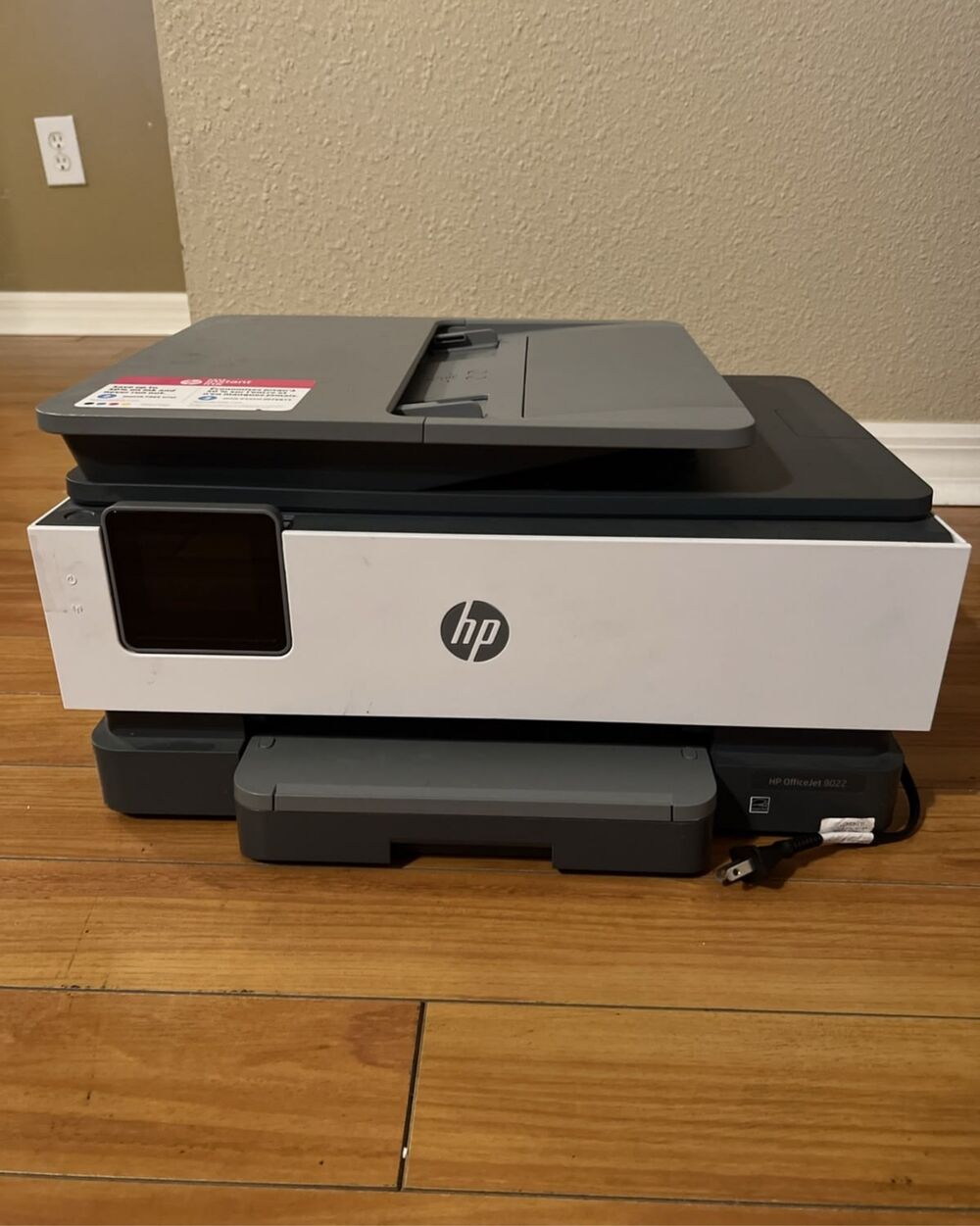
A printer that won't cooperate right before a deadline is one of the most common calls we get at our Gautam Path store.
Most printer problems fall into a handful of categories — and a surprising number can be fixed in minutes without a technician visit. Here's how to diagnose the issue, and when it's genuinely time for printer repair in Dharan.
Quick answer
Most "offline" errors, paper jams and faded prints are software or maintenance issues you can fix yourself in minutes. Call a technician only if a problem keeps recurring, you hear grinding noises, or the printer won't power on at all.
1 Common Printer Problems & What Causes Them
Printer Shows "Offline" or Won't Connect
Almost always a software or network issue, not a hardware fault. Restart the printer, router and computer, then make sure the correct printer is set as default in your system settings.
Paper Jams
Usually caused by damp or low-quality paper, overfilled trays, or worn feed rollers. Always pull jammed paper out in the direction of the paper path, never backwards, to avoid damaging internal rollers.
Faded or Streaky Prints
Low ink or toner, clogged print heads (common on inkjets left unused for weeks), or a worn drum unit on laser printers. A print-head cleaning cycle from the printer's utility software solves many inkjet cases.
Printer Won't Print at All
Check the print queue for a stuck job, confirm the correct printer is selected, and verify cartridges or toner are properly seated. If nothing prints even after these checks, the issue may be electronic.
2 Inkjet vs. Laser vs. All-in-One
Cheaper upfront and good for photos, but prone to clogged heads if left idle.
Costs more initially but handles high-volume office printing more reliably with fewer moving parts to fail.
Adds scanning and copying, but means more components that can develop faults over time.
Regular light use actually helps keep both inkjet and laser printers healthier.
3 When to Call a Technician
- Paper jams keep recurring even after clearing them
- Unusual grinding or clicking noises during printing
- Print quality doesn't improve after replacing ink or toner
- Printer won't power on at all
4 Simple Maintenance That Extends Printer Life
Print something at least once a week to keep ink flowing, use manufacturer-recommended paper weight, keep the printer away from dust, and store spare cartridges properly. For offices, an annual service check catches roller wear and dust build-up before they cause a breakdown.
Hi-Link Computer sells and services printers from HP, Canon, Epson and Brother, and also handles laptop and PC repair if the issue turns out to be on the computer side rather than the printer itself.
Frequently Asked Questions
This is usually a driver or network setting issue, not a hardware fault. Restart the printer, router and computer, then re-select the correct printer as default.
Yes — we service and repair inkjet, laser and all-in-one printers from major brands including HP, Canon, Epson and Brother.
If the repair cost is reasonable relative to a replacement and print quality still meets your needs, repairing is usually more economical — especially for laser printers with a longer service life.
Printer Acting Up?
Bring it to Gautam Path, Dharan-8 for fast diagnosis and repair.